Default Types
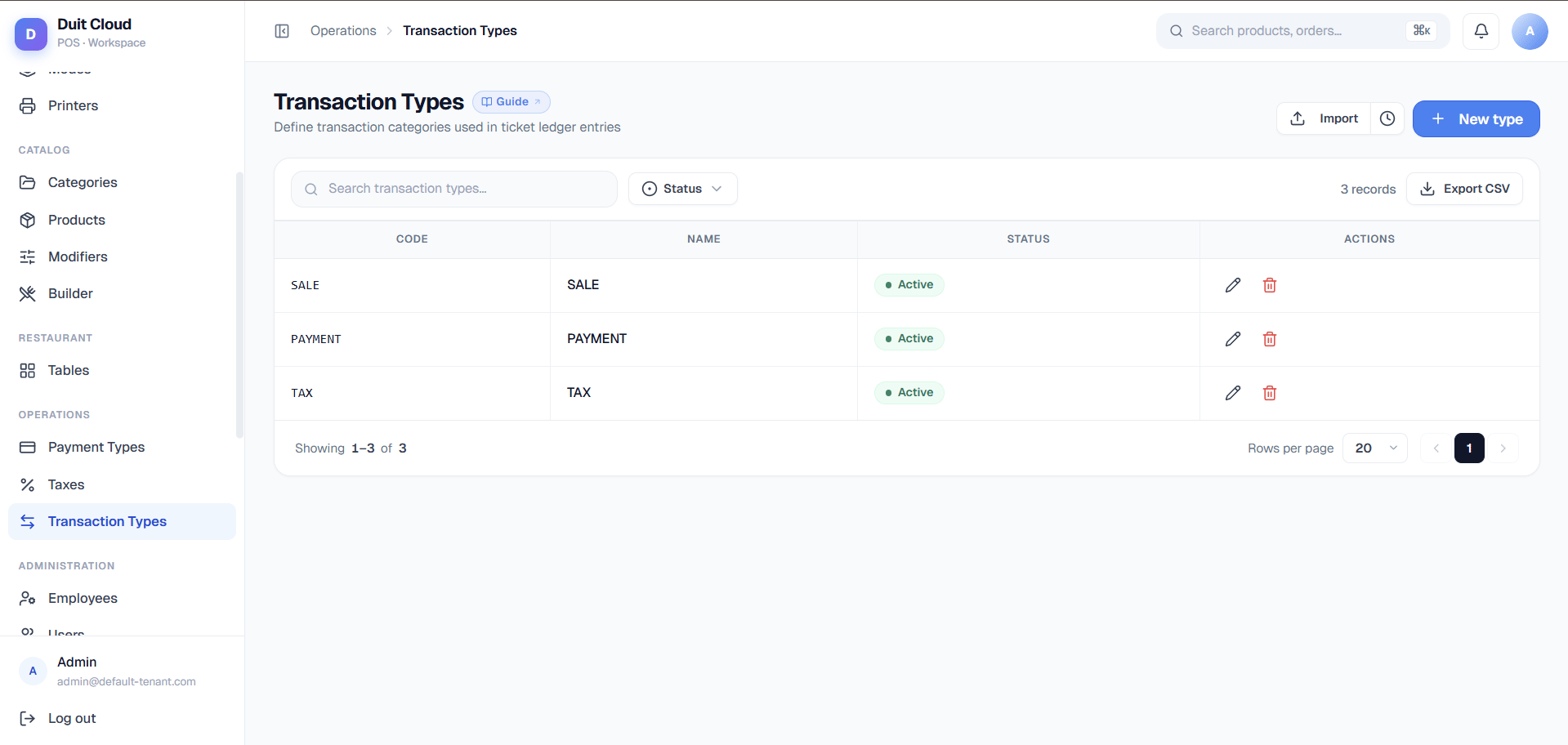
Most setups include these out of the box:Transaction Type Fields
Create a Custom Type
1
Go to Manage → Transaction Types
Click Transaction Types under Manage in the left sidebar.
2
Click New
Enter a Code and Name for the new type.
3
Save
Click Create. The type is immediately available on new tickets.
Frequently Asked Questions
What is the difference between Void and Refund?
What is the difference between Void and Refund?
A Void cancels a line item before payment is processed — it removes the item from the open ticket. A Refund is issued after payment has been completed — money is returned to the customer. Voids do not appear in payment processing; refunds do and may require reversing a card transaction.
Do I need to create transaction types before going live?
Do I need to create transaction types before going live?
The five default types (Sale, Tax, Discount, Void, Refund) are created automatically during setup. You can go live without creating any additional types.
Can I delete a transaction type that appears in old tickets?
Can I delete a transaction type that appears in old tickets?
Deletion is blocked if the type is referenced in any historical ticket. Deactivate the type instead — it will no longer appear in new ticket creation but will remain visible in historical records.
How do transaction types appear on receipts?
How do transaction types appear on receipts?
Each line item on a receipt shows the transaction type name next to the amount. For example, a discount line shows
DISC — (-RM5.00) and a tax line shows SST (6%) — RM3.60. You can customise how these appear by editing the Print Template.Related
Reasons
Add reasons for void, comp, and gift line items
Order Modes
Define service types that affect ticket behavior
Tax
Configure tax rates applied to tickets
Print Templates
Control how transaction lines appear on receipts